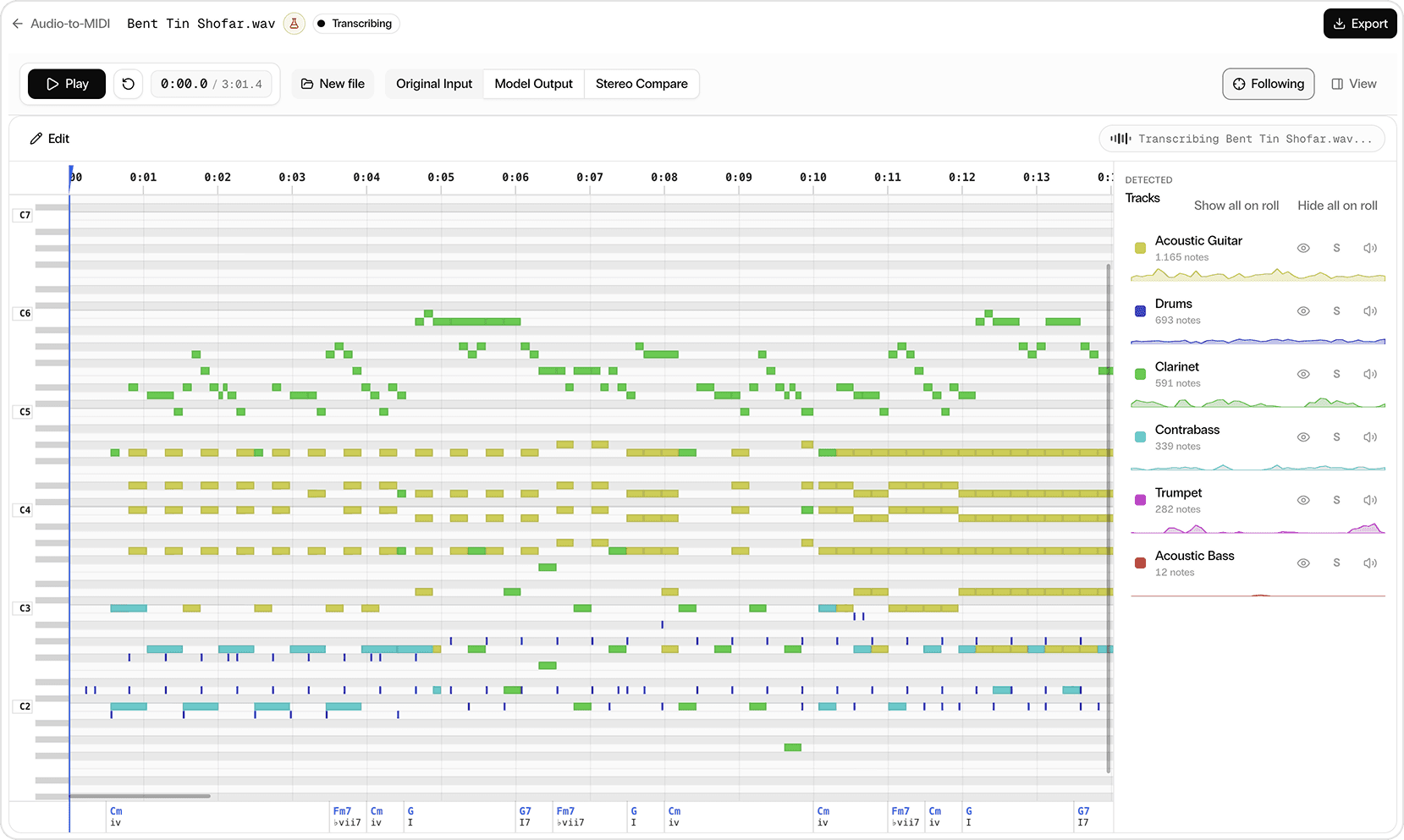
Upload an MP3 or WAV. Audio-to-MIDI Pro transcribes the full mix into separate editable instrument tracks, including voice, then exports MIDI, MusicXML, and sheet-music PDFs in Studio or through the API.
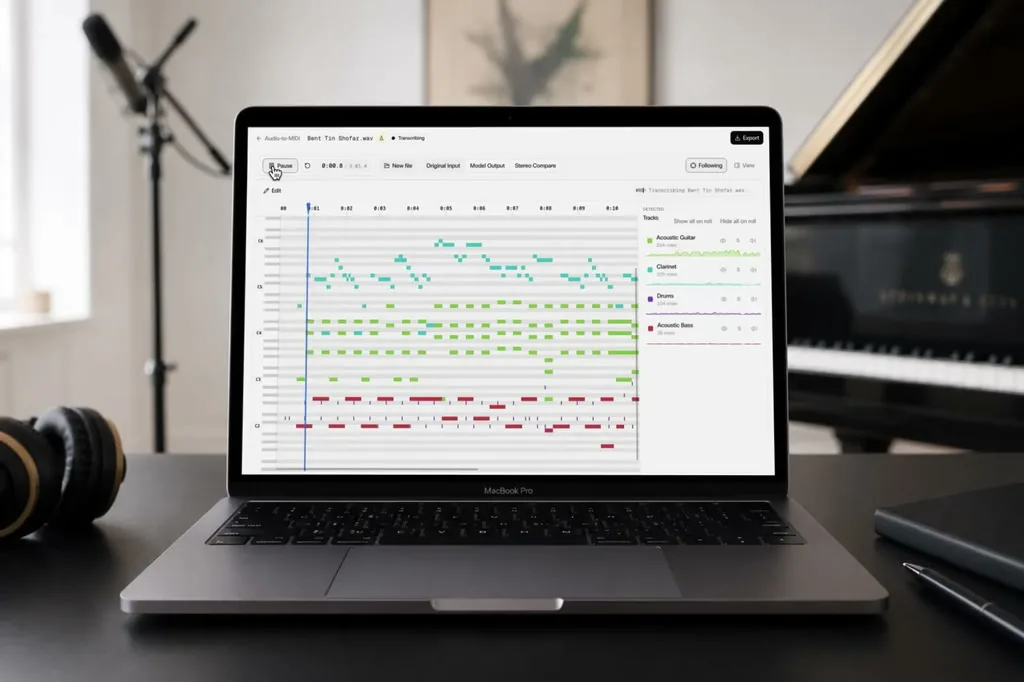
Audio-to-MIDI Pro: full mixes to editable MIDITurning audio to MIDIAudio-to-MIDI Pro API: convert a full mix into MIDI for every instrument
Built for full mixes rather than isolated stems. Upload a recording and Audio-to-MIDI Pro gives you:
Audio-to-MIDI Pro finds and labels instruments in a full mix, then returns each detected part as its own editable MIDI track.
Keep the harmonic and rhythmic context with the notes, including detected beats and downbeats.
Review notes in a piano roll or score, audition different sounds for each instrument, and work from desktop, tablet, or phone.
Export selected instruments as MIDI, or download a full score and individual parts as MusicXML and PDF, with guitar and bass tablature where supported.
Yes. Upload an MP3 or WAV in Mirelo Studio. Audio-to-MIDI Pro transcribes the recording and returns editable MIDI tracks you can export.
Yes. It is built for full mixes rather than isolated stems. It detects parts such as voice, drums, bass, and keys, and returns a separate MIDI track for each.
It is an AI audio-to-MIDI converter: it transcribes music into MIDI and notation you can review, not a one-click file-format wrapper with no editing step.
Export selected instruments as MIDI, or download a full score and individual parts as MusicXML and PDF, with guitar and bass tablature where supported. How to convert audio to MIDI and use it in your productions
Audio-to-MIDI Pro grew out of research Mirelo did with kyutai. We open-sourced that original research model; Mirelo now develops the more accurate production model in Studio.

Audio-to-MIDI Pro is free to try in Mirelo Studio — no setup, no software to install.